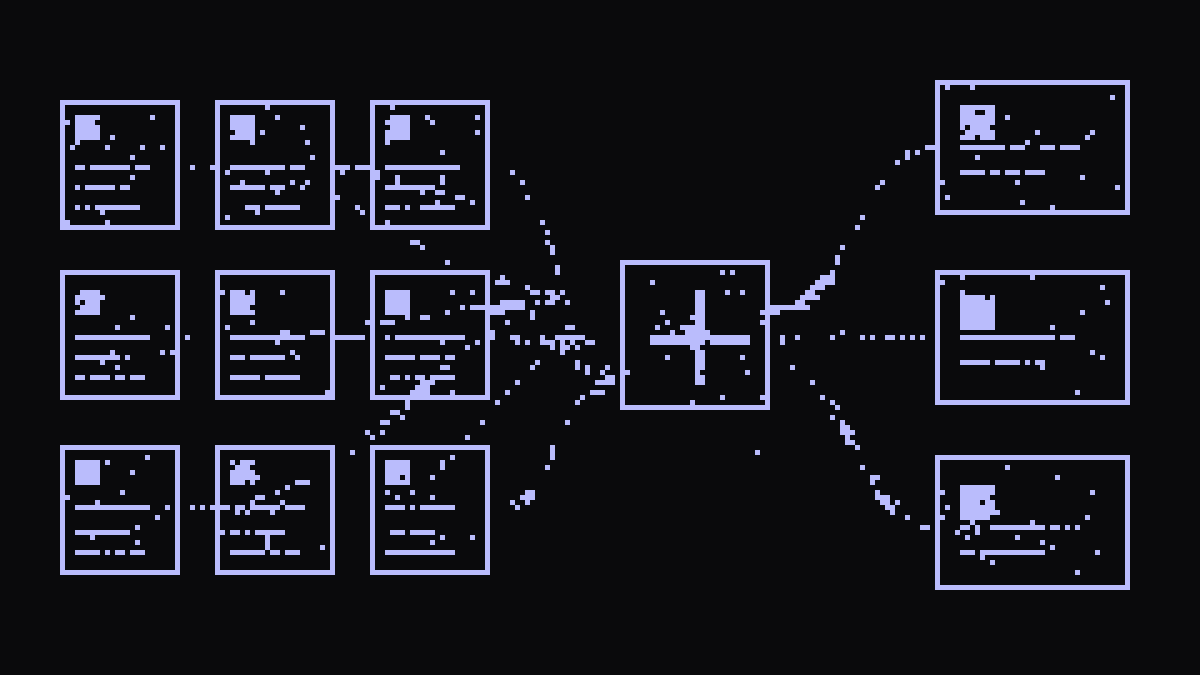
Every company has the same hole. Whatever the question is, the answer exists, it is written down, somebody spent an afternoon documenting it. But it lives in a PDF nobody can find, or in a repo only the team that built it knows about. So the question ends up where it always ends up: in somebody's Slack or Teams.
Knowledge is our answer to that. You upload your documentation once, or connect a Git repository and forget about it, and anyone in your organisation can ask it from the chat. The answers come out of your documents and carry a citation to the source, so you can check where each thing came from.
If you are technical, this bit will interest you: this is RAG without building a RAG. No vector database, no embeddings pipeline, no chunking to tune. All of that happens underneath; you upload documents and you ask. That is it. It works for an engineer, for somebody in finance, in HR, in legal, in operations, or in any other team in the company.
What a knowledge base is
A private RAG source at organisation level. One person creates it and the whole team can use it. Each base groups the documents on one topic (the employee handbook, the documentation for a service, the compliance policies) and you switch it on from the chat itself, with the same selector you use to pick a model.
A real example, start to finish
Let us walk the whole thing with the most universal case there is: the employee handbook. The document everybody has and, sadly, nobody reads.
- Create the base. In Knowledge, New base, give it a name ("HR Handbook") and a description. Five seconds.

- Upload the handbook. Drag the PDF onto the upload area. Each document shows its indexing state; once it turns Ready, you can ask about it. It takes PDF, TXT and MD up to 25 MiB, and you can also write pages straight from the dashboard with New page.

- Ask. In the chat, open the knowledge base selector (it sits on "No knowledge base" by default), pick HR Handbook, and write the way you would write to somebody in HR:
How many holiday days do we get?
And the answer:
23 working days in your first year, plus your birthday. Unused days carry over until 31 March.
Source: employee-handbook.pdf

Look at the citation. It names the source it drew from. That is what separates a RAG from a chatbot. If the answer leaves you with a doubt, one click and you are in the original document.
That is the whole flow. Three steps, without touching a line of code. The reference documentation has the detail of every screen.
Pro mode: connect a repository and forget about it
Uploading files by hand is fine for documents that rarely change. For living documentation there is something better: point the base at a GitHub or GitLab repository and let it sync itself.
It works like this: you connect the provider with a read-only personal access token (stored encrypted, never shown again), add the repository as owner/repo, pick a branch, an optional path if you only want a subdirectory, and the sync frequency. From then on, every change merged into the repo lands in the knowledge base without anyone doing anything.

This turns "docs as code" into "docs that answer". An example from our own use: the repository for a service with its documentation in markdown, synced every hour. Ask in the chat: "walk me through the authentication flow". The answer comes out of the docs the team itself maintains in the repo, always in their latest version. The stale wiki stops existing because the wiki is the repo.
Two practical notes: it also works with self-hosted GitHub Enterprise and GitLab instances (just give it the Base URL), and bases synced from Git are read-only from the Knowledge page: the source of truth is the repo, and that is where you edit.
We are building a company-wide "context" repo that acts as a brain and helps us understand what is going on in each team right now.
How to get good answers
The system does the heavy lifting, but the quality of the answers depends on the quality of what you upload. Three habits that make the difference:
- Documents with structure. Clean markdown with descriptive headings works better than a scanned PDF or a document with no headings. The system splits documents to search inside them, and headings are the anchors it uses for each topic.
- One topic per document, rather than one bible. Ten ten-page documents give better answers than one hundred-page document. If your handbook mixes everything together, split it before you upload it.
- Descriptive file names. The citation shows the document name. "holiday-policy-2026.md" tells whoever asked where it is looking; "docfinalv3.pdf" does not.
And on what to ask: it works better with specific questions ("what is the deadline for filing expenses?") than with open-ended briefs ("summarise all the policies"). It is a retrieval system, not an analyst: it finds and cites what is written.
What teams are using it for
- Onboarding. The new person asks the base instead of interrupting the senior or, worse, sitting on their doubts.
- Support. The product manual as a base; the team answers tickets by checking it in seconds.
- Engineering. Runbooks and postmortems synced from the repo. Nothing to hunt for when something falls over at 3am.
- Legal and compliance. Internal policies queryable by the whole organisation, without depending on somebody remembering which folder the PDF was in.
- A brain per area. One repo per department with its context: strategy, decisions, vocabulary, lessons. Knowledge stops walking out of the door when somebody leaves.
- Sales and proposals. The latest proposals and case studies as a base. "What did we offer a similar client?" as a starting point.
- Contracts and vendors. Current contracts on tap: "when does X renew?", "what SLA did we sign with Y?". Without navigating the folder nobody can search.
- Customer and market research. Call notes, competitive analysis and accumulated research. Before every decision: "what have customers told us about this?".
- Your own project. Sync the repo with its README and its docs and you have an assistant that knows your codebase. For new contributors, or for you in three months.
The question: where do my documents end up?
It is the first question to answer when what you upload is your company's internal documentation, and the answer is the usual one: the documents you upload are stored and reachable only on your platform. You can delete a knowledge base at any time and the documents stop existing in Helmcode too.
Everything is processed on European infrastructure, with zero logs of your conversations, and the answers are generated by the same open models on your plan. Nothing goes out to third-party APIs.
Build your knowledge base in five minutes
The whole flow: create a base at cloud.helmcode.com/knowledge, upload three documents or connect a repo, and ask it the question you have answered most often this month. The reference documentation has every screen in detail.
And once you have it running, tell us what you ask it. The best product ideas reach us that way.