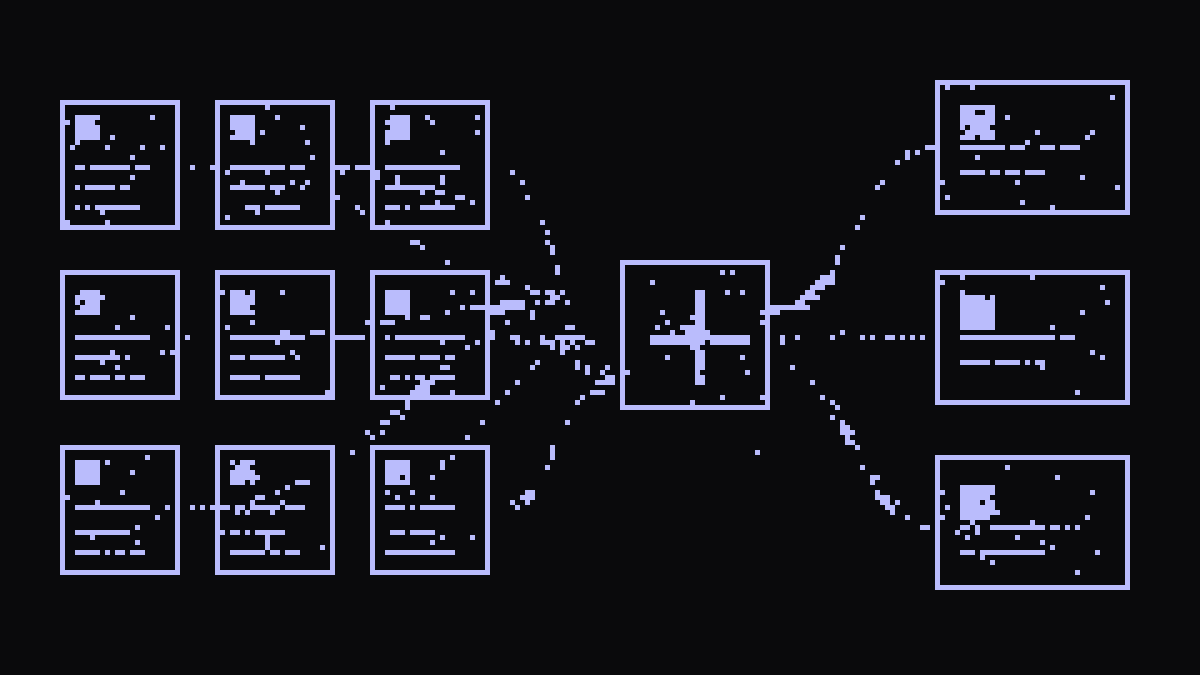
Decisions, a client's objections, the reason an idea got dropped, what you promised to deliver by the end of the week. An absurd amount of a company's information goes through conversations and disappears the moment a Meet or a Teams call ends.
That is why we use Granola, Fathom or any other tool that records a meeting, transcribes it and generates notes.
But if you like open software and building your own tools exactly the way you want them, you can also build a recording and transcription product with open AI models.
And the interesting part is that, once you have the transcripts, you can go quite a bit further than generating a summary of each meeting.
We are going to build it in three layers:
Notes → Memory → Intelligence
First, a notetaker that records your meetings and generates notes. Then, a memory across every meeting you have had. And finally, we will look at how that same pipeline can be taken to the conversations of an entire company.
This is the recipe I used.
What we are going to build
The first version is simple:

You record a meeting. Whisper turns it into text. A model transforms that text into a summary, decisions, tasks and open questions. An embedding model turns the fragments of the conversation into vectors and stores them in an index.
From there you can ask things like:
What did I promise to deliver to Carlos by the end of the week?
Why did we decide not to launch the free plan?
That is already a lot more useful than a folder full of call summaries nobody ever opens again.
The recipe
We need four models.
| Piece | What for | Model | Where it runs |
|---|---|---|---|
| Transcription | Audio to text | Whisper large-v3 | Helmcode API |
| Speakers | Knowing who is talking | pyannote 3.1 | Local |
| Notes | Turning conversation into data | DeepSeek V4 Flash | Helmcode API |
| Memory | Representing and searching meetings | qwen3-embedding | Helmcode API |
Then, some other important pieces:
PortAudio captures the audio. ffmpeg prepares it. SQLite stores the index and FTS5 adds keyword search.
In our implementation we packaged everything into helmcode-whisper. Three commands do almost all of the real work:
hcw record -t "sprint review"
hcw process
hcw search "what did we say about the enterprise tier"
The first one records. The second one transcribes, separates voices, generates the notes and indexes the meeting. The third one searches across every meeting you have processed.
What leaves your machine and what does not
A meeting recording contains prices, salaries, client names, internal problems and the voice of every participant, so quite often you do not want that data going to a third party:
| Step | Where it runs | What leaves your machine |
|---|---|---|
| Recording | Your machine | Nothing |
| Transcription | Helmcode API | Chunks of the audio |
| Voice separation | Your machine | Nothing |
| Notes | Helmcode API | The transcript text |
| Index | SQLite on your machine | The passages, to vectorise them |
| Storage | Your machine | Nothing |
The record command does not need to make a single network request, and diarization (telling apart the voices on the call) with pyannote runs locally. If you enable it, Hugging Face shows up during installation so you can accept the terms and download the model weights, but the content of the meeting is never sent there.
The trick is recording two tracks and never mixing them
There is a decision here that hugely simplifies the diarization problem (separating the voices): your microphone is you, and the system audio is everyone except you.
So we record both into separate files:
audio-mic.wav       → you
audio-system.wav    → everyone else
That solves half of diarization for free. Instead of handing a mixed recording to a model and asking it to work out who is who, we already know from the start that everything on the first track is you. So pyannote only has to separate the voices on the other side.
On a two-person call the output can literally be:
Me
SPEAKER_00
If that is enough for your use case, you can even turn diarization off and stick with Me and Others, without installing torch.
One problem can show up on a call: echo. If you are not wearing headphones, your microphone can pick up again what comes out of the speakers, and a mix of noise and other voices ends up transcribing some things twice or badly.
The solution we use compares each microphone segment against whatever the other track was saying during that same time window. Comparing segment against segment caught 41% of the echo in our tests. Comparing it against the whole time window took that to 79%, without deleting real speech. Discarded segments still show up in transcript.json with the reason, so the process stays auditable.
Although the best solution to this is putting your headphones on.
How to go from audio to data
A transcript on its own is not especially useful either. What we want is to transform a conversation like this:
12:41 Ana:
So we push the launch to October.

12:47 Carlos:
Yes. But first we have to sort out the onboarding.

12:53 Ana:
I will take that. I will try to have it by Friday.
Into something like this:
{
  "decisions": [
    {
      "decision": "Move the launch to October"
    }
  ],
  "action_items": [
    {
      "owner": "Ana",
      "task": "Sort out the onboarding",
      "due_date": "Friday"
    }
  ]
}
That is where the usefulness of the meeting changes, because you go from having text to having data. To me that is the most important part, because it is the one that later lets you build a real layer of company knowledge.
In our case DeepSeek V4 Flash uses json_schema to generate five sections: summary, decisions, tasks with an owner and a date, open questions and quotes.
What matters here is that we go from having pretty notes to having indexable information. With a json_schema we want every meeting to produce exactly the same structure.
That is why each meeting ends up generating:
audio-mic.wav
audio-system.wav
transcript.json
notes.json
notes.md
notes.html
meta.json
notes.md is for humans, notes.html is for sharing and notes.json is for building things on top.

The prompt should not be buried in the code either
This is another advantage of building it yourself: the prompt that decides what your notes look like should be yours. And you can change it however you want, whenever you want.
In our implementation it lives in:
templates/notes.mdYou can decide what counts as a decision, change the language, ask for a different format or add a risks section. Or whatever else comes to mind.
A sales company, for example, could add:
## Objections

Extract the objections raised by the client.
For each one include:

- objection
- the rep's answer
- whether it was resolved
- product or competitor mentioned
While a product team could ask for:
## Product feedback

Extract:

- requested features
- current problems
- workarounds mentioned
- level of urgency
Same audio, same pipeline, different data.
The model is swappable too:
HCW_NOTES_MODEL=qwen3.6 hcw process --forceThat is precisely the point of building it with open models. And it is pretty cool.

How to turn notes into memory
Now we have a folder full of perfectly structured meetings, but nobody is going to open 300 notes.md files to find anything.
So we need search.

We combine vector search with SQLite FTS5. The first finds conceptually similar fragments; the second works especially well with specific names, products, clients or exact terms. Then a reranker orders the union of both sets of results.
For example, if you ask:
What number did we say we were going to charge?
Vector search can find a conversation about pricing even if the word "price" never literally appears. If you are looking for the exact name of a product or a client, FTS5 can do it better.
You can try it directly:
hcw search "why did we drop that onboarding idea"And search across every conversation you have processed.
At this point you no longer just have a notes app. You have memory.
This is where our repo ends. Now let us take the idea further
Everything above exists today in helmcode-whisper: capture, transcription, diarization, structured notes, embeddings, hybrid search and reranking.
What comes next is not implemented in the repo, but we are leaving you the idea and the structure in case you want to implement it yourself.
It is the architecture we would build on top if we wanted to go from a personal tool to an intelligence layer for a whole company.
The fundamental pipeline would not have to change. You would still be recording, transcribing, separating voices, extracting information and indexing it. What changes is where the result ends up.
Instead of storing each meeting only in ~/helmcode-whisper/, you would need central storage, users, an organisation attached to each meeting, teams, permissions and a shared index.
Conceptually:

This architecture lets you start asking questions a personal tool cannot answer:
What are the five most repeated objections this month?
Which competitors come up most in the opportunities we lose?
Which features have at least three different clients asked for?
Which problems come up repeatedly in onboarding calls?
And you could go a step further: instead of waiting for someone to ask a question, run periodic jobs over those conversations to cluster objections, spot recurring requests or generate reports.
But that is already the next layer you have to build on top of the repo, and it is your call how you use it.
How to get it running
If you just want to try our implementation:
uv tool install git+https://github.com/helmcode/helmcode-whisper

mkdir -p ~/helmcode-whisper
echo "HELMCODE_API_KEY=sk-your-key" > ~/helmcode-whisper/.env

hcw doctor
You get the key at cloud.helmcode.com, and with it you have access to every model in the recipe except pyannote, which you can download with open weights from Hugging Face.
hcw doctor checks audio devices, ffmpeg, access to the models and whether torch is seeing your GPU correctly. It is the first thing to run, because it tells you exactly what is missing.
Then:
hcw record -t "sprint review"End the meeting with Ctrl+C and run:
hcw processAnd try:
hcw search "what decisions did we make about pricing"You run all of this from the terminal. But you can add an interface on top, like we did. It is very useful for everyone who is not technical. Our UI is open too if you want to use it, in this repo: helmcode-whisper-ui
Fork it and build your own Granola
You do not have to start from an empty repository. We published helmcode-whisper as an open source project under Apache-2.0 precisely so you can take it apart, change it or build on top of it.
Fork helmcode-whisper , open it with Claude Code, Codex, OpenCode or whatever agent you use, and give it something like this:
This repository is a reference implementation of a meeting intelligence
system built with open models.

I want to turn it into my own personal Granola.

Before writing any code:

1. Read README.md.
2. Read docs/DATA.md.
3. Review templates/notes.md.
4. Review examples/.
5. Identify the full pipeline from record to search.
6. Run the existing tests.
7. Briefly explain the architecture to me and which interfaces we can reuse.

Do not rewrite the existing pipeline.

Keep:

- separate recording of microphone and system audio
- Whisper for transcription
- local diarization
- structured notes via JSON schema
- embeddings + FTS5 + reranking
- per-stage cache
- transcript.json and notes.json as data interfaces

On top of that I want to build a personal web interface where I can:

- start and stop a recording
- see my previous meetings
- open a meeting
- read the transcript
- see the summary, decisions and action items
- search across all my meetings
- ask questions in natural language about previous meetings

Use notes.json, transcript.json and the existing progress stream as contracts
with the UI wherever possible.

Do not add organisations, multi-tenancy, permissions or aggregated
intelligence yet. That will be a second phase.

First give me a short implementation plan based on the code that actually
exists in the repository. Then start implementing it in phases, keeping the
existing tests green.
That saves you building the hard part from scratch. Audio capture, track separation, chunking, diarization, echo suppression, structured storage, caching and search are already there.
The repo is at github.com/helmcode/helmcode-whisper under Apache-2.0. The four models in the recipe run on Helmcode: EU infrastructure, no logs, flat rate.